

The current Zombie Couple Video offer is 720P, not native 1080P. Resolution describes the pixel dimensions of the delivered picture. It does not by itself tell you whether a face stays consistent, whether motion is natural or whether a scene follows the story.
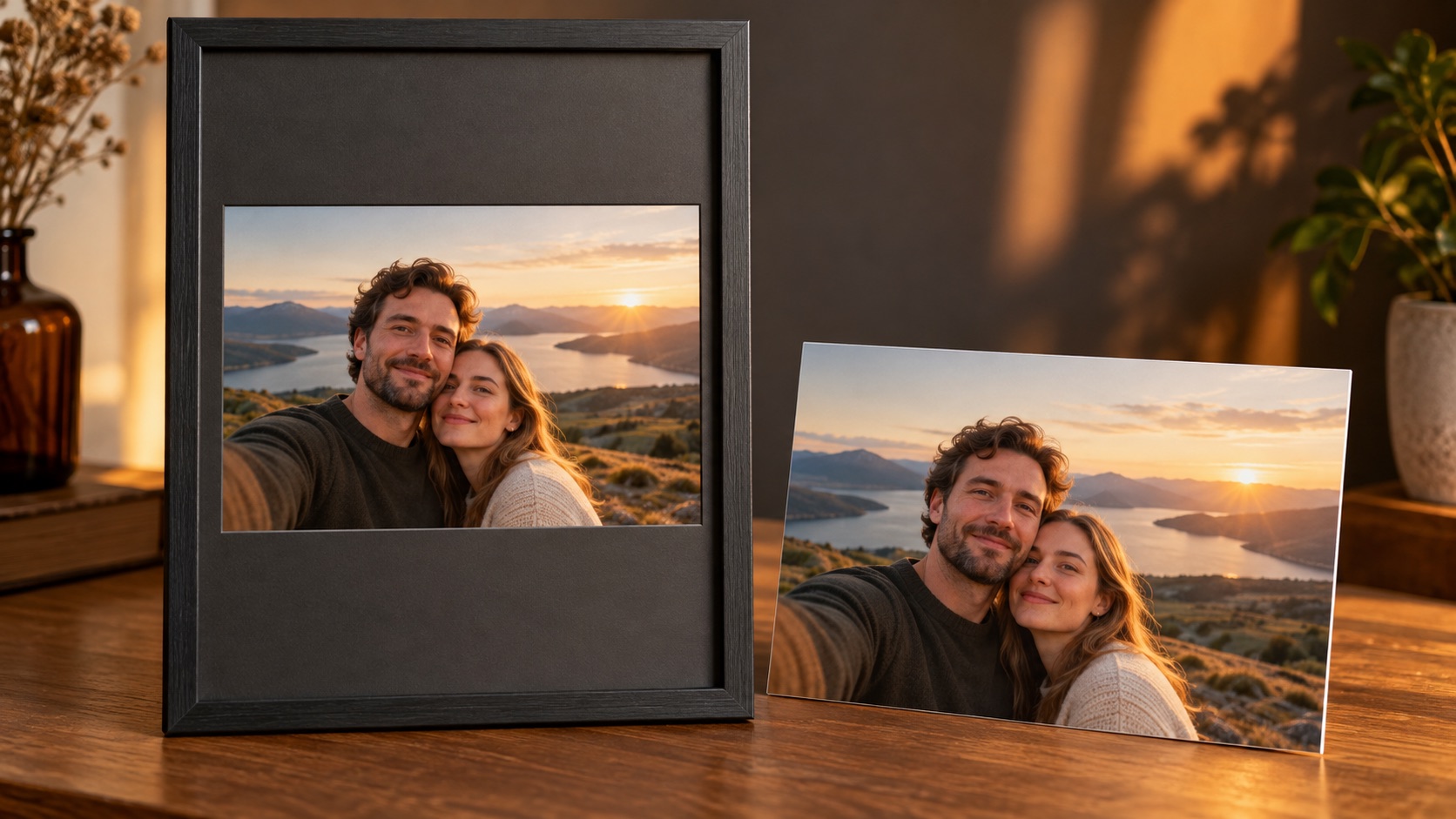
AI-generated editorial illustration with fictional adults; not an actual software screenshot or a verified generated-video result.
720P versus 1080P in a 16:9 frame
| Standard frame | Dimensions | Pixels per frame |
|---|---|---|
| 720P landscape | 1280 × 720 | 921,600 |
| 1080P landscape | 1920 × 1080 | 2,073,600 |
The second frame has 2.25 times as many pixels. That arithmetic is not proof of 2.25 times better visible quality. A genuinely more detailed source and an enlarged version of the same source can share the same exported dimensions.
For this site's current order, review the specification as one 10-second 720P 16:9 MP4 for $3.99 USD. There is no customer 1080P upgrade selector in the current form. General discussion of other resolutions should not be read as another product tier.
Why can a 720P video look different on different screens?
A phone may display it at a relatively small size, while a large monitor stretches the same pixels over more area. Full-screen viewing can make softness easier to notice. The player may also scale the picture, and a social platform may serve a re-encoded version. These affect what you see without proving that the original download changed.
Start by playing the original MP4 at a reasonable size. Compare the same shot, at the same display size, against a repost or export. A browser preview alone is not a reliable way to establish the dimensions or quality of every saved version. The download guide explains how to keep the actual original rather than a screen recording.
Does exporting 1080P improve the source?
Ordinary resizing maps a 1280 × 720 source onto a larger pixel grid. The 1920 × 1080 version has 1.5 times the width and height, but resizing does not recover facial information that the original never contained. It can be useful when an editing workflow requests that canvas size; it is not native 1080P generation.
Some enhancement tools synthesize additional detail. That detail may look sharper, but it should not be treated as verified information about a real person's face. Keep the original and compare, especially if identity is the point of the video. This site does not promise an enhancement tool will repair a flawed generated face.
What should you do if the original looks blurry?
- Confirm you are watching the downloaded original, not a thumbnail or a social-media copy.
- Compare at the same size and check whether softness affects the whole clip or a particular face/shot.
- Avoid repeated compression, screen recording and extreme zooming while diagnosing it.
- If facial detail is visibly smeared in the original, note the seconds and report it to support.
Input quality can affect the reference the model receives, but output defects are not automatically caused by a small or bad photo. Read the photo checklist and result troubleshooting guide as separate checks.
What should I export for a vertical post?
Resolution and aspect ratio are different. A 1080 × 1920 portrait canvas is not a native 16:9 1080P landscape video. Choose whether to fit the complete wide picture or crop its sides. Exporting more pixels does not restore faces removed by cropping or add genuine source detail. See landscape versus portrait for the actual geometry.
Preserve the original file before making a social copy. For judging an AI couple video, check recognizable people, coherent motion, consistent story and audible sound as well as the pixel label. More pixels alone cannot settle those questions.