

A useful zombie couple video prompt tells a generator who each person is, what changes on screen and where the action ends. It can guide a scene; it cannot guarantee that two faces will remain exact copies of uploaded photos. There is no universal word count that makes a prompt work across tools.
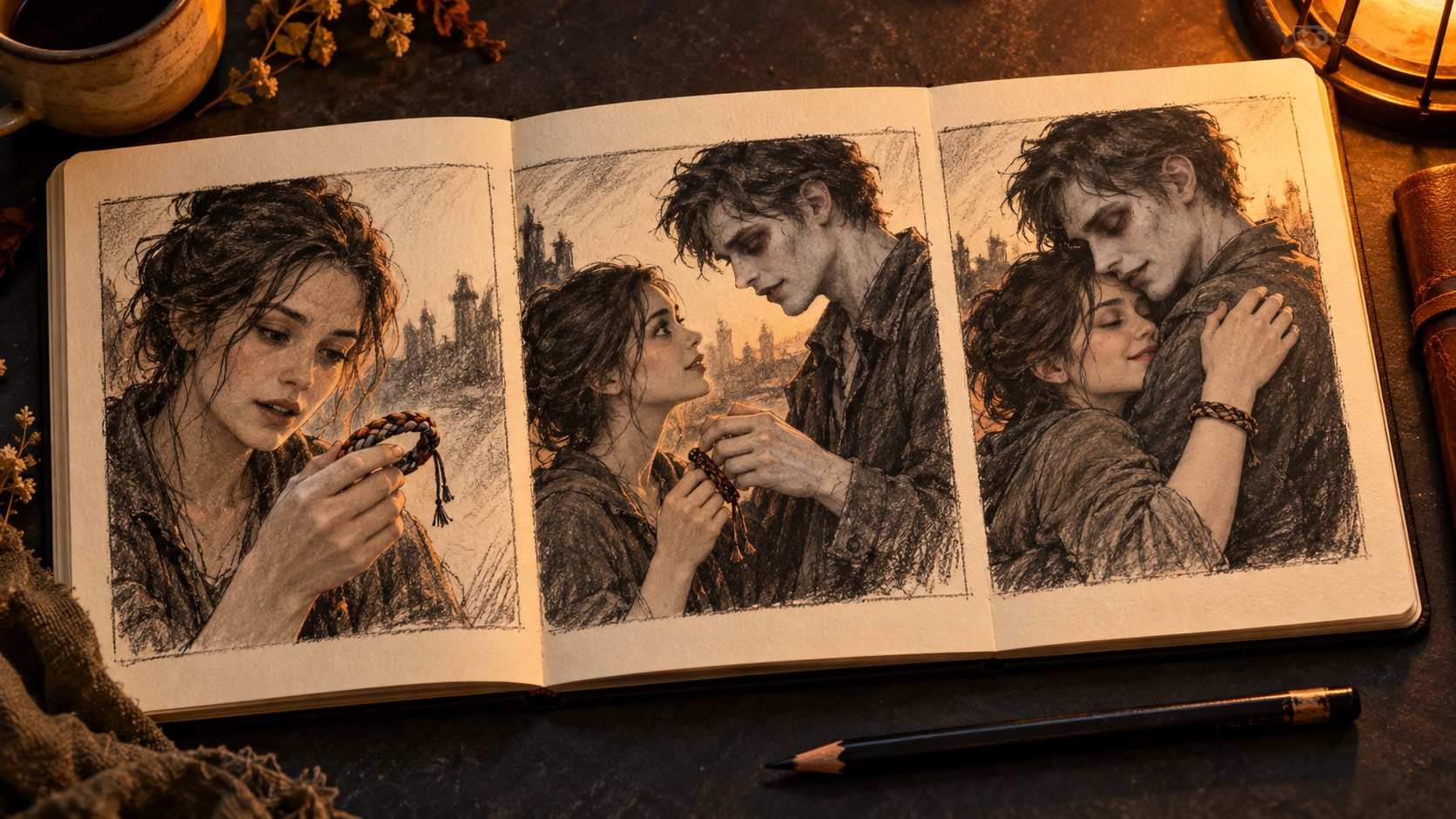
Cover illustration: AI-generated editorial artwork, not a software screenshot or a verified video-generation result.
The free example below is an original writing example, not a tested production preset. It is for tools that accept custom prompts. This site's ordering form uses one fixed story and does not accept your own prompt, camera directions or soundtrack upload.
Start with roles, not gender assumptions
Write down two separate decisions before drafting:
- Which reference identifies each adult?
- Which adult plays the human and which plays the infected partner?
For example, reference A can identify the infected partner and reference B the human partner. Either role can be assigned to either person. If you swap them, change the binding consistently rather than changing only “he” and “she” halfway through the text.
The letters A and B are explanatory placeholders, not API parameters. Some tools provide reference slots or tags; others provide a first-frame input. Follow the selected tool's controls. Two portrait references do not automatically form a shared opening frame, and writing “first frame” in the prompt does not create a supported first-frame input.
A free zombie couple video prompt example
This example asks for one continuous recognition and embrace, not the full confrontation-and-memory story shown on this site's homepage. It deliberately avoids a location change and complicated prop handling.
Use reference A for the infected adult partner and reference B for the human adult partner. In a quiet kitchen, A stands on the left and B on the right, facing each other. A has pale theatrical makeup and shadowed eyes, with intact skin. B notices the matching woven bracelet on A's wrist, hesitates with one hand held near the chest, then gently rests that hand on A's shoulder and steps into an embrace. A leans toward B and returns the embrace. Keep a steady medium view from the same side of the room, with soft window light from camera left. End while they hold each other. Keep the same two identities, hairstyles and outfits throughout. Quiet room ambience, no speech, blood, extra people or on-screen text.
Replace the reference placeholders using the tool's supported interface. If it cannot bind two references, this text does not add that ability. Review the result before spending more attempts on elaboration.
The intended shot is simple: A remains left, B remains right, the camera stays on one side, and the movement ends in a held embrace. The bracelet is an authored detail in this example, not something we observed in your photos. If you replace it, replace it consistently.
What each part is doing
| Prompt element | Its job | What it cannot promise |
|---|---|---|
| Reference-to-role binding | Tell the tool which identity belongs to which role | Create a reference feature the tool lacks |
| A visible recognition cue | Make the change from hesitation to closeness readable | Guarantee a specific facial performance |
| A stable medium view | Keep the two people and the contact easy to inspect | Eliminate every identity or hand error |
| A clear ending | Tell the scene where to stop | Force an identical final frame in every generation |
| Continuity instructions | Ask for the same identities and clothing | Override contradictory reference material |
ByteDance's Seedance 2.0 introduction describes multimodal references and joint audio-video generation. That capability description is not a guarantee that any router or app exposes identical reference controls. Check the surface you actually use.
Adding a warm memory without overloading the clip
A present-day encounter followed by a sunny memory is a different brief from a single embrace. It introduces a cut, a new place and a change in character state. State those changes plainly, and repeat the identity binding in the new scene.
For the memory, distinguish what changes from what stays: the infected appearance is absent, the relationship remains the same, and the two reference identities continue. If clothing must stay identical, give it an explicit instruction rather than asking the model to infer that requirement from a vague “same couple.”
Do not assume a longer prompt is automatically worse or that one sentence can repair an overloaded sequence. Remove conflicting directions first. Adding a chase, a dropped object, a hug, a costume transformation and several cuts creates more continuity work than a single held encounter.
Using a prompt for TikTok
Configure the supported output format in your chosen generator; a prompt alone does not change the export setting. If you need vertical presentation, plan where both faces will sit before generating. For this site's landscape result, see the TikTok framing guide. The free writing example above is not a CapCut template or a tested TikTok preset.
How to diagnose the next result
Check the opening, the first physical contact, any cut and the ending. Note whether the defect is identity, clothing, hands, scene order or audio. Those are separate observations.
Then change one relevant variable. If both faces drift at a cut, simplify that transition before adding more lighting adjectives. If the clothes were never visible in the reference, the model has less visual information about them. If the wrong person plays the infected role, inspect the reference binding before rewriting the whole story.
Our result troubleshooting guide provides a separate place for evaluating a finished clip. A prompt is a request to the model, not proof that the request was followed.
Frequently asked questions
Does a free prompt give me a free video?
No. The text is free to copy; your chosen tool may charge for generation or export. This site's fixed-story offer is $3.99 once.
Should the prompt be in English or Chinese?
Use a language supported by your tool and make the roles unambiguous. We do not claim one language universally wins. Do not describe a translated example as a verified improvement without comparing results.
Can a prompt guarantee consistent faces?
No. Input quality, reference support, action and scene changes all matter. Review the actual result rather than trusting words such as “identity locked.”
Can I paste this prompt into this site's form?
No. Here you choose two adult photos and their roles; the story and audio reference are supplied by the product. See the fixed-story workflow.
Do I need a particular model to understand the example?
No. It illustrates scene writing. Reference syntax and supported features depend on the tool; the example has not been generated as part of this article.